4 min read
Receipts in, books out
Three receipts and a supplier invoice dropped into Files, recorded by the Accountant on their own, and added up on Money as spent, to pay and quotes out.
Lena's week leaves paper behind. Screws and hinges from Würth on Monday, sanding sheets from BAUHAUS, a tank of diesel at Aral on the way to a fitting, and an invoice from Holzhandel Brenner for the oak. She used to keep them in a folder and type them in at the end of the month.
Now she drops them into Files. This article follows those four documents from the upload to the Money screen, with nobody typing anything in.
Three receipts, recorded on their own
When a file lands in Files, werkfolk reads it and gives it a category. A receipt, photographed or as a PDF, is filed under Receipt. That is the signal for the Accountant's When a receipt lands: it reads the receipt and records it as an expense, without being asked.
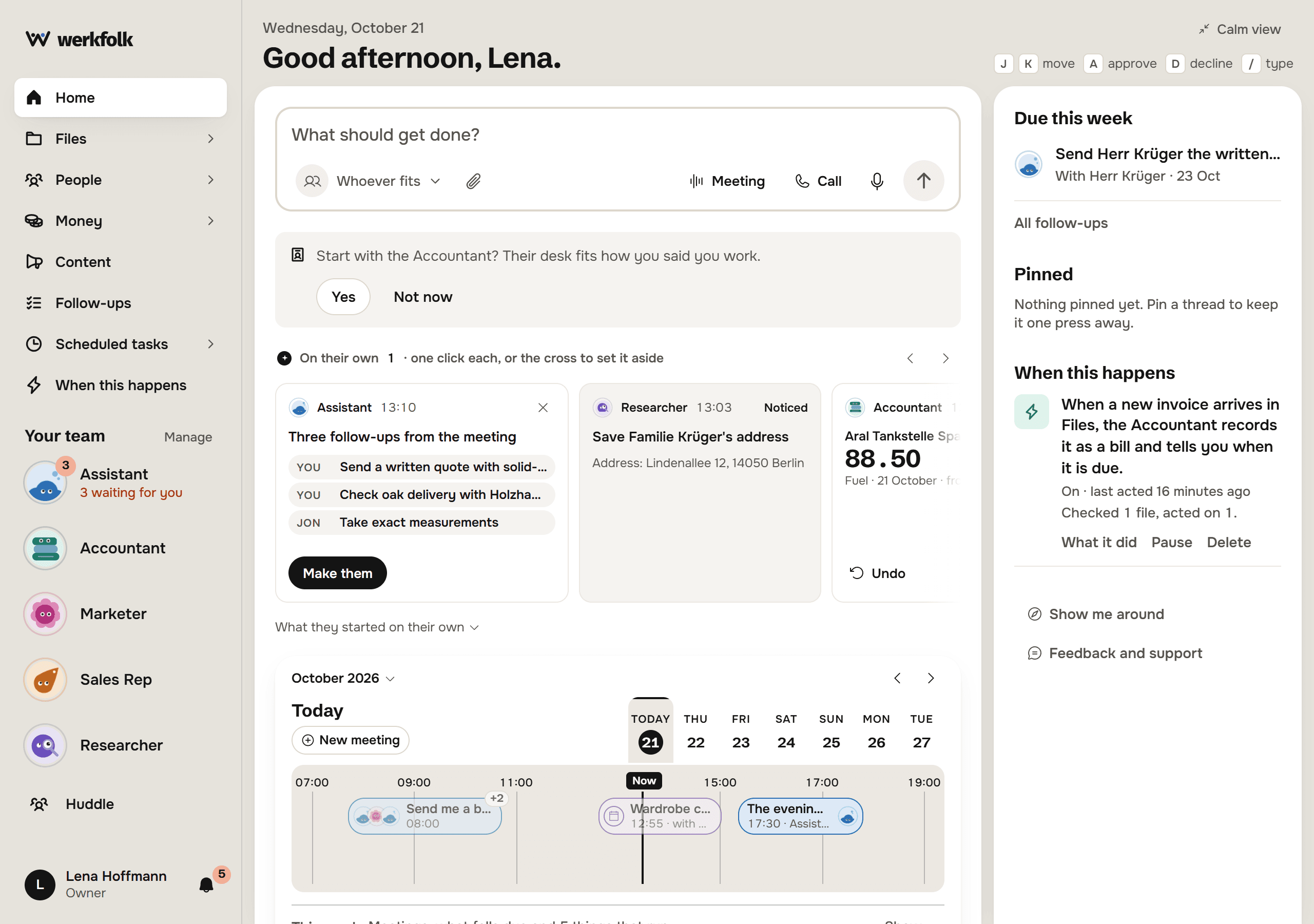
The result shows up under On their own on the home screen, one card per receipt: who was paid, how much, the category and the day. Each card has Undo for an hour, which takes the expense out of the books and leaves the receipt in Files. Once you have corrected the expense by hand, Undo leaves it alone.
Each receipt also gets a thread of its own, which says why it started.
Never offer this turns the habit off. Short of that, you choose how far it goes. Every move an AI Employee makes on its own has a dial, set per person in that AI Employee's focus view:
- Off: nothing starts from it
- Tell: it says what it noticed and prepares nothing
- Offer: it prepares the expense and waits for your click
- Do: it records it and tells you after, with Undo
Recording a receipt starts at Do.
The supplier invoice becomes a bill
An invoice is not a receipt. It is money you still owe, with a day it falls due. Lena had set up her own rule for those on the When this happens screen:
When the Brenner invoice arrived, the rule fired:
An account opened today does not need that rule: the Accountant's When an invoice lands does the same on its own, at Do. Lena's account had the rule first, and a file that one of your own rules takes is never recorded a second time.
Three days before a bill falls due, When a bill nears brings the payment note to you, with one word to mark it paid. That one starts at Offer.
Money: spent, to pay, quotes out
Everything recorded lands on Money. Three totals sit across the top, and each is also a tab.
Spent in October is what the three receipts came to, €253.00 with €40.40 of it tax, by month, quarter or year. Every expense says who made it, links back to the thread it came from, and opens the receipt it was read from. Change corrects it and Remove takes it out.
Under the total, Not recorded yet lists receipts and invoices in Files that have no expense, VAT this quarter sums the tax per rate, Categories lets you rename one or merge two that mean the same, and Month packs keeps the expenses sheet, the VAT readout and the receipts list for each month. The CSV and Excel buttons download the period you are looking at; in a browser, the Excel workbook has one sheet per currency.
To pay lists the bills, with Overdue and Paid beside it. Paid marks one paid. Quotes out counts the quotes you sent and have no answer to yet; From three options to a quote shows where those come from.
The rules the books keep
- One file, one expense. Recording the same receipt again corrects the expense rather than adding a second.
- One payment, one expense. A new expense that matches one already there, same shop, same day, same currency, same total, is refused until you say it really was a second payment. "REWE" and "REWE Markt GmbH" count as the same shop.
- Refunds subtract. A credit note or Gutschrift is recorded as a refund with a negative total, so every sum nets it off.
- Currencies never mix. Totals are kept per currency and never converted, so a receipt in Swiss francs gets its own line instead of a guessed exchange rate.
- The books are the business's. Every receipt and bill in the account is on the Money screen, whichever AI Employee recorded it.
- Delete the file, lose the expense. An expense lives beside the file it was read from.
Receipts that arrive by mail
Not every receipt starts on paper. With a mailbox connected, ask the Assistant to save the attachments of a supplier's email and they become your own files, in Files, where the same categorising and the same recording pick them up. The card then says the receipt came in by mail.
The business also has an Assistant address, an email address that takes mail only from the address you sign in with. Forward a receipt there and its attachment lands in Files the same way. Connect mail, calendars and Telegram covers both, and Work that runs without you has every dial in one place.
Try it on your own business.
One subscription covers all five AI Employees and everything in these articles.