Updated 3 min read
From three options to a quote on your letterhead
Three wardrobe versions compared in a spreadsheet, VAT added, and the workshop's own quote template filled as Word and PDF, marked as a draft where details are missing.
Familie Krüger want a floor-to-ceiling wardrobe for a 2.38 m alcove: three sliding doors with a mirror in the middle, two hanging rails on the left, shelves and two drawers on the right. Lena has three ways to build it at three prices, and a quote template the workshop has used for years. By the end of this thread the Sales Rep has compared the three, added the VAT and filled the template for the one she picked.
Three options in one message
Lena wrote it the way she would say it: put three versions side by side in a spreadsheet, solid oak at 7,850 euros net plus 690 fitting and six weeks, oak veneer at 5,980 plus 690 and four weeks, white lacquer with an oak interior at 6,450 plus 690 and five weeks.
The Sales Rep chose the rows itself, one per detail of the wardrobe and one per price and lead time, with a column per version, and attached the workbook to its reply.
Open it, change it, keep going
Press the file in the reply and it opens in the document panel beside the thread, as a grid you can type into. A Word file opens the same way, as text you edit. It saves itself a moment after you stop typing, and Save saves at once.
When an AI Employee changes a file you own, it writes a new version of that same file instead of a second copy. The panel shows the new version as it lands, and Undo the Sales Rep's changes puts the one before it back. Ask about this puts the file's name in the command bar so your next line is about it.
Add the VAT, then fill the template
The VAT went into the same workbook, as formulas, so changing a price later changes the totals. Then Lena attached the workshop's own template, a Word file, and asked for the solid oak version as Word and PDF.
A draft that says it is a draft
The numbers are the program's, not the model's guesswork: 7,850 plus 690 is 8,540 net, 19% of that is 1,622.60, and the gross is 10,162.60.
The quote is in German, like the template it filled. And it is honest about what it does not know. Nobody gave it a quote number, a validity date or payment terms, so it did not invent any.
The page says Entwurf in its title and "noch zu vergeben" where the number goes. Fill those in yourself in the Word file, or tell the Sales Rep the number, the validity and the terms and it writes them in place.
What the Sales Rep reads first
Prices come from you: from the message, from your price list, or from the Offer sheet, one document in Files that holds your offers and their prices. The Marketer has a twin, the Brand sheet: your tone, your audience, what you sell and the words you use and avoid. Both are ordinary documents you open and edit in the same panel, and the Sales Rep and the Marketer read them before they draft.
A template works the same way: upload it once, and every AI Employee can fill it.
From draft to sent
The Sales Rep has no mailbox. When you want the quote to go out, it hands it to the Assistant, who writes the email with the file attached and puts it on a card you approve. You can edit the text on the card; the attachment is fixed, so what you checked is what goes. Sending needs a connected Microsoft mailbox (see Connect mail, calendars and Telegram), and nothing leaves until you approve the card.
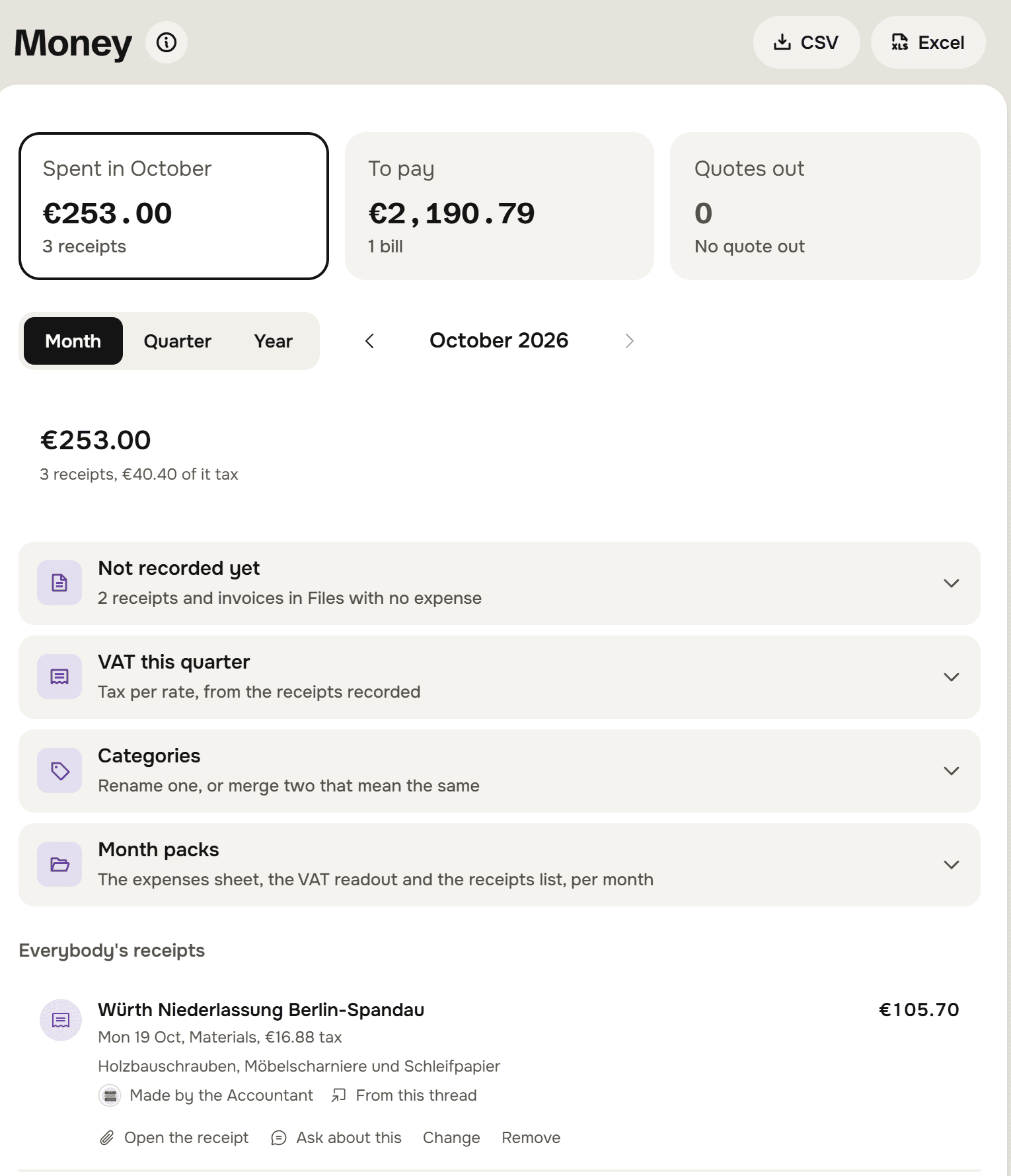
When the customer is a lead in the Sales Rep's pipeline, the quote is also recorded against that lead with its gross total. It stays a draft until you mark it sent, and from then on it counts under Quotes out on the Money screen, with how many have waited a week for an answer. Familie Krüger were not a lead yet, so this one shows only as files.
What runs underneath
Building the workbook, filling the Word template and rendering the PDF are short programs the Sales Rep writes and runs in an isolated sandbox with no network, reading only the files named for that run. A run is capped at 30 seconds, 5 files in and 5 out, 25 MB in total, and each person can start 20 an hour. The same kind of run reconciles a bank export and draws the chart.
Try it on your own business.
One subscription covers all five AI Employees and everything in these articles.