Updated 5 min read
What your AI Employees know about the business
Memory with where each fact came from, the People address book, Your business, standing orders, and the holiday calendar they check dates against.
Lena never sat down to teach her AI Employees about Hoffmann Tischlerei. She uploaded Holzhandel Brenner's invoice, recorded the wardrobe consultation with Familie Krüger, and mentioned in passing that the Krügers live on Lindenallee. The next day the Assistant knows Brenner's address and phone number, the Sales Rep knows the alcove is 2.38 metres wide, and Familie Krüger has a card in People with the address on it.
This guide is about where that knowledge sits, how you see it, and how you correct it.
Four places they learn from
- Memory, in Settings: facts picked up from conversations, files and connected accounts, each saying where it came from.
- People: the address book of customers, suppliers and everyone else the business deals with.
- Your business, in Settings: what you tell them about the business and how they should work.
- Standing orders: your own priorities for each AI Employee, read on every request.
Memory
After each exchange, werkfolk reads it and keeps what will still be true in a month: the business and what it does, people and their roles, suppliers and customers, the tools you use, how you like things done, recurring deadlines, figures you stated. One-off requests, guesses and anything a person wouldn't want written down about them are left out. From an uploaded file or a transcript it keeps passages of the text.
Each item says where it was learned: the file it came from, which opens when you press it, or From a conversation, From a connected account or From the onboarding questions, with the day. A fact learned in one of your threads links back with Learned in this thread.
Mentions a person narrows the list to facts that name somebody, so you can check what is kept about people.
One memory for the whole business
Every fact is open to every AI Employee in the account, whichever of them it was learned from. What the Accountant read on Brenner's invoice is there when the Assistant writes to Brenner. A file's passages follow the file, and deleting the file forgets them.
Change or forget a fact
Press Change to rewrite a fact in your own words, up to 300 characters. Press Forget, then Forget this to confirm or Keep it to back out. From the next message on, no AI Employee can recall it.
A fact that stops being true isn't corrected on its own. If you say something new that disagrees, the AI Employee goes by what you just said, but the old fact stays here until you change it.
People: the address book
People lists the people and companies the business deals with, how to reach them, what they are to the business and what is open with each.
A contact card shows How to reach them (email, phone, website, address, each with Copy), where they stand With the business from New to Won or Lost, the money between you (work won, quotes not yet answered, what you spent, bills to pay), and sections for what is next, quotes, files and what the team knows about them. A person at a company links to the company's own card.
Ask about them puts their name into the command bar for the right AI Employee: the Sales Rep for a lead, the Researcher for a company it keeps a file on, the Assistant otherwise. Add someone adds a person or a company by hand.
Many cards fill in by themselves. When you write a number, an email address or a street address for someone, the Researcher saves it on their card and says so in the thread, with an Undo. Your AI Employees can also save contact details they come across. They fill empty fields and never wipe one you wrote.
Your business
You tell every AI Employee about the business in Settings, Your business: "What every AI Employee knows about the business. Changes are kept as you make them."
- The business: website, name, what you do, what you sell, where, and the language you write to customers in, including Sie or du. Read the website again fills in rows that are still empty from your website.
- Logo and colour: the logo and colour that go on the decks your AI Employees make.
- What you want off your plate first: decides which AI Employee you start with and what they offer to do.
- How they work: how far they go on their own, what they do when something is unclear, how you want to hear from them, how much they write, what they always ask you about first, and when you usually work.
- What they know about the business: your customers, why they pick you, what has to go well in the next months, where your work lives, your role.
How they work is read on every request, under your standing orders. It never loosens what has to wait for you. The answer to "How far should they go on their own?" also sets where the dials under On their own start; Work that runs without you has the dial.
Standing orders
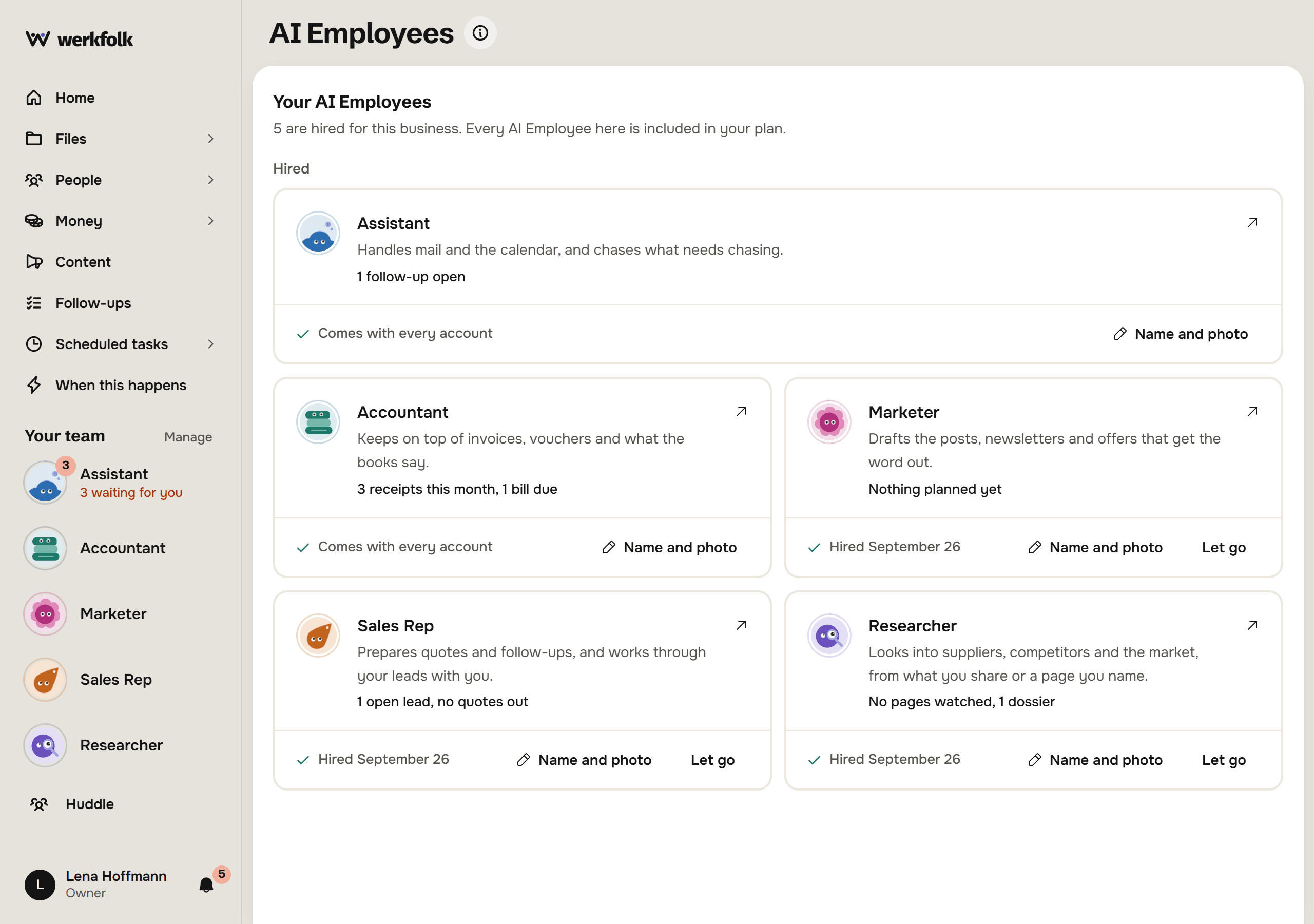
Focus an AI Employee by pressing its face under Your team, and its Standing orders are on the right. Write what comes first in a line and press Add.
Standing orders hold up to ten lines per AI Employee at 200 characters each. They are read on every request, including scheduled tasks and When this happens rules, and what you say in the moment wins over an order that disagrees. An order like "never send without asking me" also keeps that AI Employee's sending at Offer.
Weekends and public holidays
On Settings, Account, under Where this account is, you set the country and, where holidays differ by state, the region.
An AI Employee then says so when a date falls on a Saturday, a Sunday or a public holiday there, before it goes ahead, unless you plainly chose that date. With no country set, it says it doesn't know the account's country yet rather than guessing.
Try it on your own business.
One subscription covers all five AI Employees and everything in these articles.